Choose your office. Build your AI team. Run your company.
AI Worker Bots with a desk, a job, and a boss: you. They work day and night, and ask before anything important goes out.

Here's your Tuesday
One working day with an AI team.
-
The morning report is ready
What was finished overnight, what is waiting for you, and what comes next. It's in the app, and by email if you like.
Morning report6 tasks done · 2 waiting for you -
A customer's email has an answer
A helpdesk bot reads the message, drafts a reply in your voice, and waits. You read it, change a word, and press Approve.
Reply to Maria about her orderApprove Edit Reject -
This week's post is made
One bot makes the picture, another writes the caption, a third checks both. It goes on the calendar when you say yes.
Weekend salePicture ready · caption checked -
Your secretary takes the Zoom call
It joins by meeting ID, says that it records, writes down who said what, and hands you notes as a document, slides, or a PDF.
In a Zoom meeting12:34 · recording -
You're asleep. The office isn't.
Schedules and workflows keep running. A bot costs nothing while it waits, and stops at the limits you set.
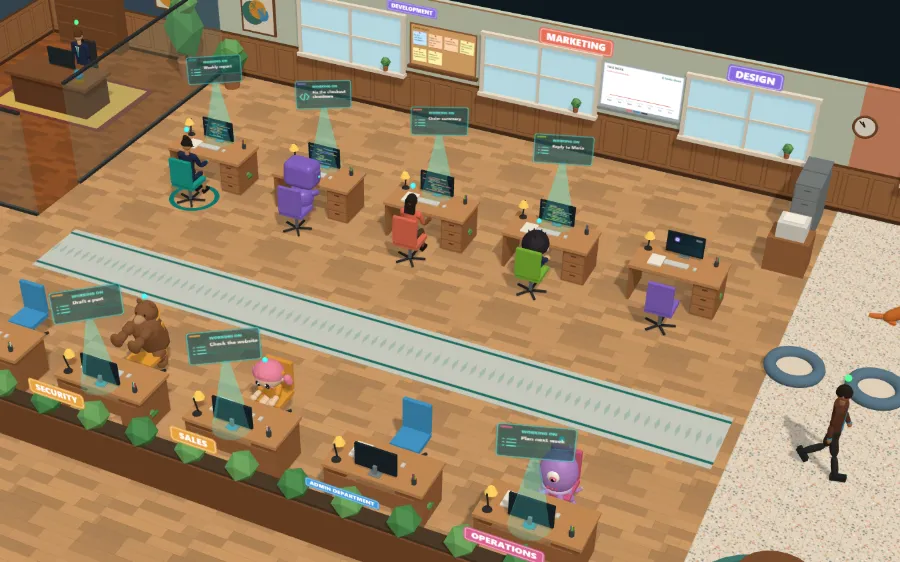
Weekly competitor researchRunning now · 14 sources read
Names and numbers on this page are examples.
Three steps to start
Set up your office
Pick a layout, name your company, and choose your look.
Add Worker Bots
Give each one a name, a job, instructions, and working hours.
Approve and read
Answer their requests, read their reports, and change what you like.
What your bots can do
Email
Find, summarize, and draft replies in your connected Gmail.
Pictures and videos
Make, edit, caption, and plan them, with a shared library.
Posts and schedules
A calendar, a posting queue, and repeating work.
Meetings
Join Zoom, Google Meet, or Teams, or write down a recording.
Research and reports
Read many sources and report with links to them.
Workflows
Steps passed from bot to bot, with your approval between.
Chat and voice
Type or talk to any bot. A secretary can hand out work.
Documents and design
Write, translate, check web pages, and lay out designs.
Connected apps are opened step by step during early access. Gmail and meetings come first. Facebook, Instagram, YouTube, Google Calendar, and TikTok follow when those companies have approved the app for everyone.
You stay in control
They ask first
Sending, publishing, and deleting wait for a person, unless you decide otherwise.
They have limits
Set credits for each bot, for each day, and for the whole company.
Nothing is hidden
Every request, decision, and action is in the history.
AI can make mistakes. Please check its work before you rely on it.
Choose your office
-
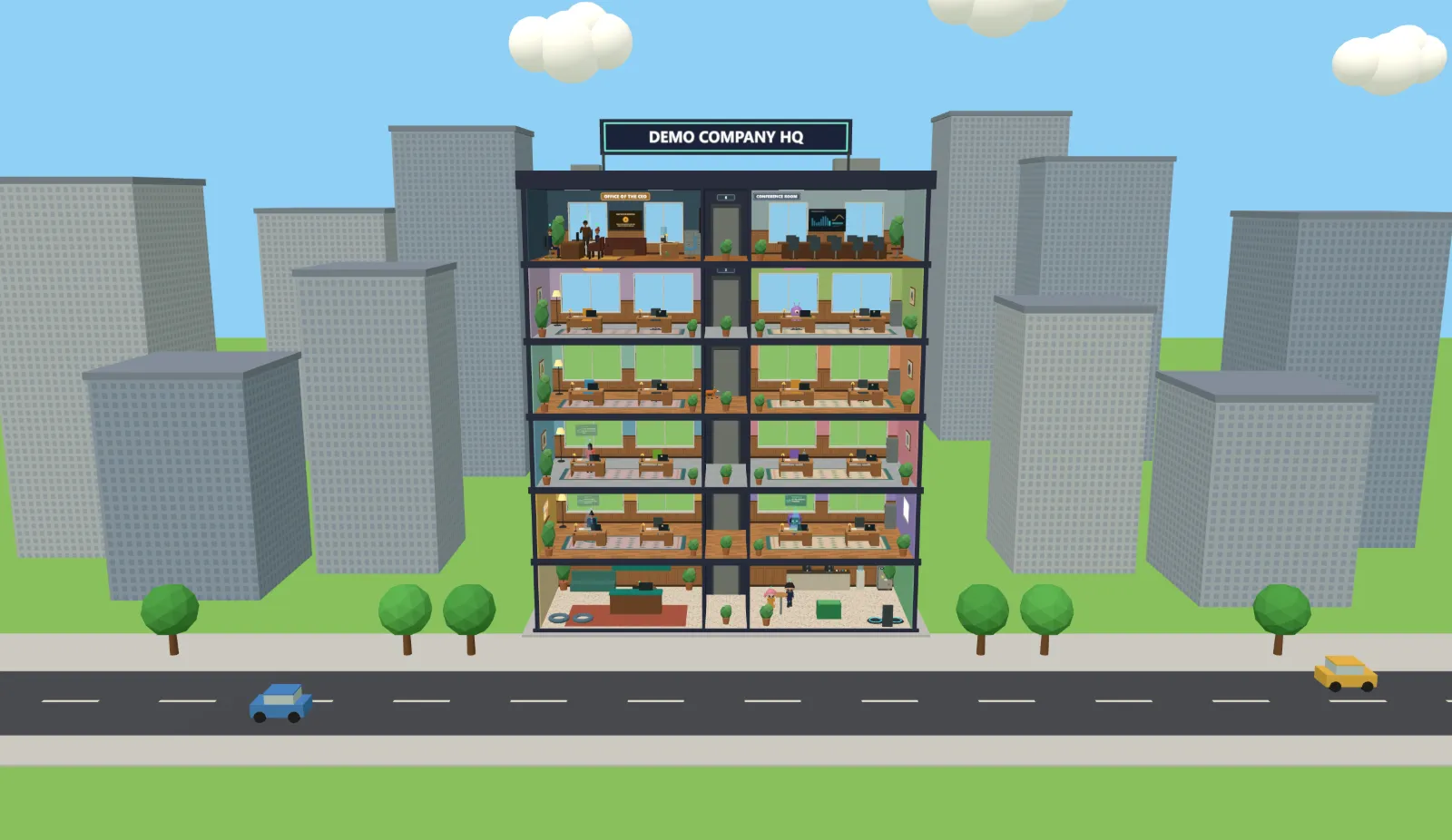
- Modern HQ
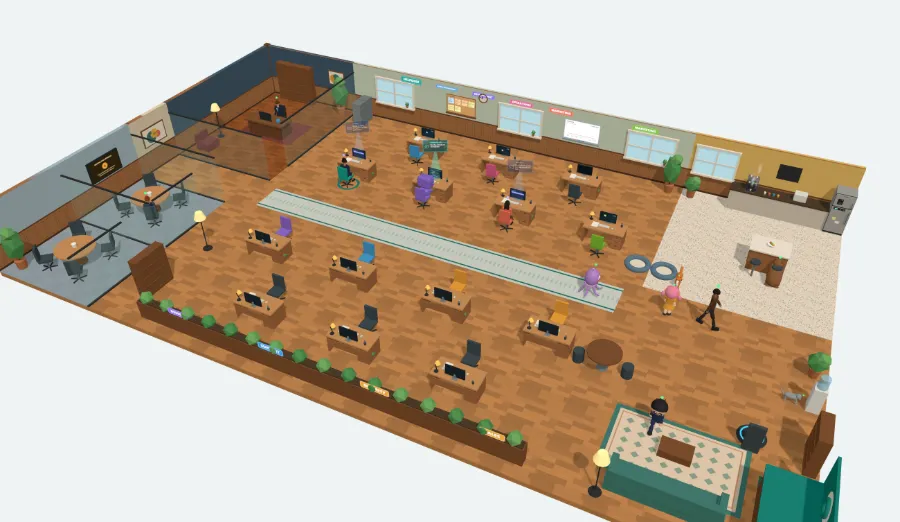
- Department Plaza
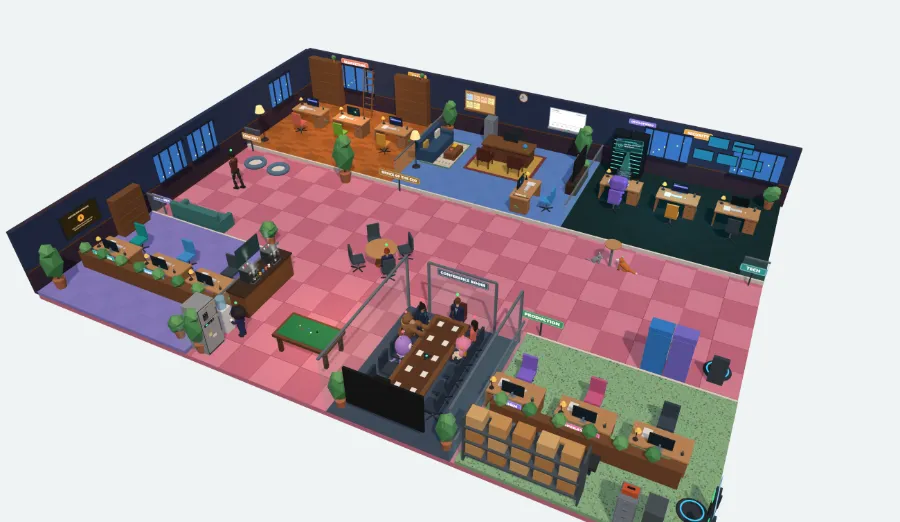
- Corporate tower
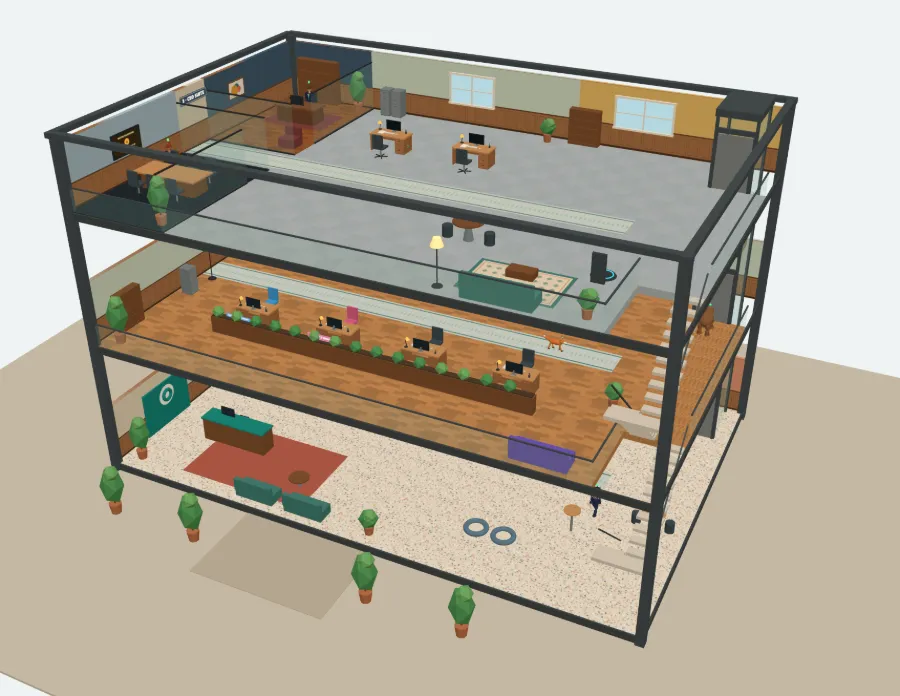
The open-plan office at the top is included. Other layouts are optional extras.
One plan
$29 per company a month
Planned price at launch. Early access comes first, and nothing is charged now.
- 1,500 credits every month, shared by all bots
- 10 Worker Bots
- 5 team members, and free viewers
- 50 GB of file storage
- AI work uses credits. Waiting, schedules, and the office don't.
- When credits run out, AI work pauses. There are no surprise charges.
Questions
What is a credit?
A credit pays for AI work. A short chat reply costs little; a video or a long meeting costs more. The cost is shown after each piece of work, and you can set limits.
What happens when credits run out?
AI work pauses until you add credits or the next month begins. Your office, files, and history stay.
Can a bot send or publish without me?
Not by default. Important actions wait in the approval center. You can allow some kinds of work, such as scheduled posts, and take that back at any time.
Who can see my company's data?
The people you invite, by role. AI providers receive what a task needs to be done. The privacy policy names them and says what is kept.
Which languages work?
The app is in English. Bots can read, write, and translate many languages, and notes of a meeting follow the language you choose.
Can I leave?
Yes. You can export your company's records and delete your data.
Join early access
You can sign in and try it now. Leave your email to hear about new features, the launch, and the early-access price.